
Invisible Space (ㅤ) Copy for Free Fire Nickname & Social Media
Use the invisible Unicode character U+3164 to create custom nicknames without visible spaces in Free Fire and Instagram. Standard keyboards can’t type this invisible character.
Gerador
Testador de Espaço
Cole aqui para detectar caracteres invisíveis
Using the Invisible Space tool based on a Unicode character, you can make invisible names and nicknames in Garena Free Fire (FF) without visible spaces. This is a fantastic way to hide your name and stand out. This blank character, hidden letter, or symbol works with the Unicode code U+3164, which a normal keyboard or computer can’t usually type.
You can use this invisible space to separate words, hide letters, and change the names of your pets, guilds, and even your nickname in your game profile. This is a common way for players and online gamers to get around games that don’t let them put regular spaces between names or messages.
To make a unique invisible nickname for online games, social media, or other sites, just click the copy button and then paste the code into the space tester section of the tool on our website. For instance, these empty spaces help users protect their privacy, hide their name, and do things that are usually impossible.
How to Use the Invisible Space Generator Tool
The Invisible Generator creates blank characters that look empty but are actually unique Unicode spaces. To use it, enter your text and copy the generated result. This subtle tool is often used for Free Fire nicknames, invisible names on TikTok and other social media platforms, and text formatting.
Select platform mode
Title
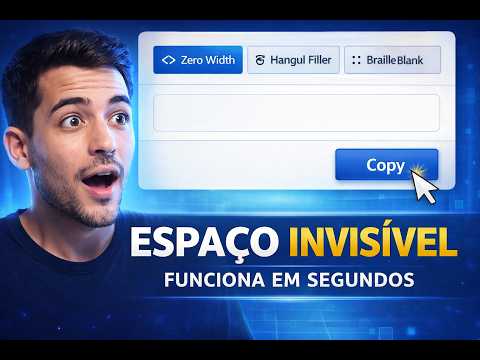
The tool offers three distinct platform modes: zero width, Hangul filler and Braille blank, each designed for a specific purpose.
Choose a Quick Option
Use the preset buttons. Small, Medium, or Large to instantly generate invisible spaces.
Enter a Custom Number
If you want a specific number of spaces, type your desired number in the Custom Generation input box.
Space Tester
The Space Tester can find hidden characters in any text. It helps you count the number of hidden characters.
What is an invisible space?
The invisible tool is a Unicode character that systems detect as valid, but people can’t see. It helps you come up with fun usernames and nicknames for social media and gaming sites. The tool makes a blank space that you can’t see.
Why use our invisible space tool?
Use our invisible symbol to create nicknames and text, then copy and paste it on popular websites and mobile apps. This is perfect for making secret usernames on social media apps that don’t allow spaces, giving you more privacy and helping your profile stand out. Upgrade to our premium invisible features for even more creative name options.
Unlimited number of blank spaces
With our hidden space text generator, you can create unlimited invisible characters tailored to your needs. Effortlessly produce invisible text with the dashboard. Use it creatively for names, guilds, or formatting, offering you multiple options.
Free to use
Create unlimited invisible characters with our free online transparent space generator. This professional tool lets you create distinctive, private, and creative social media profile names for free. No installation is required to benefit from this easy-to-use tool.
Test option available
You can use our space tester section to check your invisible unit. To see if your character is really invisible, just copy and paste it into the tester. This tool ensures your nickname or hidden text works perfectly before you use it on any platform.
Unlimited customization
You can make unique text layouts, name formats, and hidden spaces with our tool. Extra, hidden nicknames, usernames, and texts in blank spaces let you customize your profiles and content in new and creative ways.
Popular invisible Unicode characters
Below is a list of some of the most popular caracteres invisíveis Unicode that people commonly use to create invisible spaces , invisible text , or invisible nicknames in games and social media. These blank characters look empty but are actually special Unicode symbols that systems can detect. You can easily copy invisible space from the table and use it for usernames, formatting, or profiles on platforms like Instagram, Free Fire, Roblox, or WhatsApp.
| Unicode | Description | Example | Copy |
|---|
Where to use invisible characters?
People use the blank character for many important things, like hiding their identity and personal information.
Privacy, creativity, and playfulness
Add intrigue and enjoyment to your social media posts with our tool for inserting invisible characters or aliases. Our advanced features help you stand out and protect your privacy with authentic blank characters.

Instant character creation
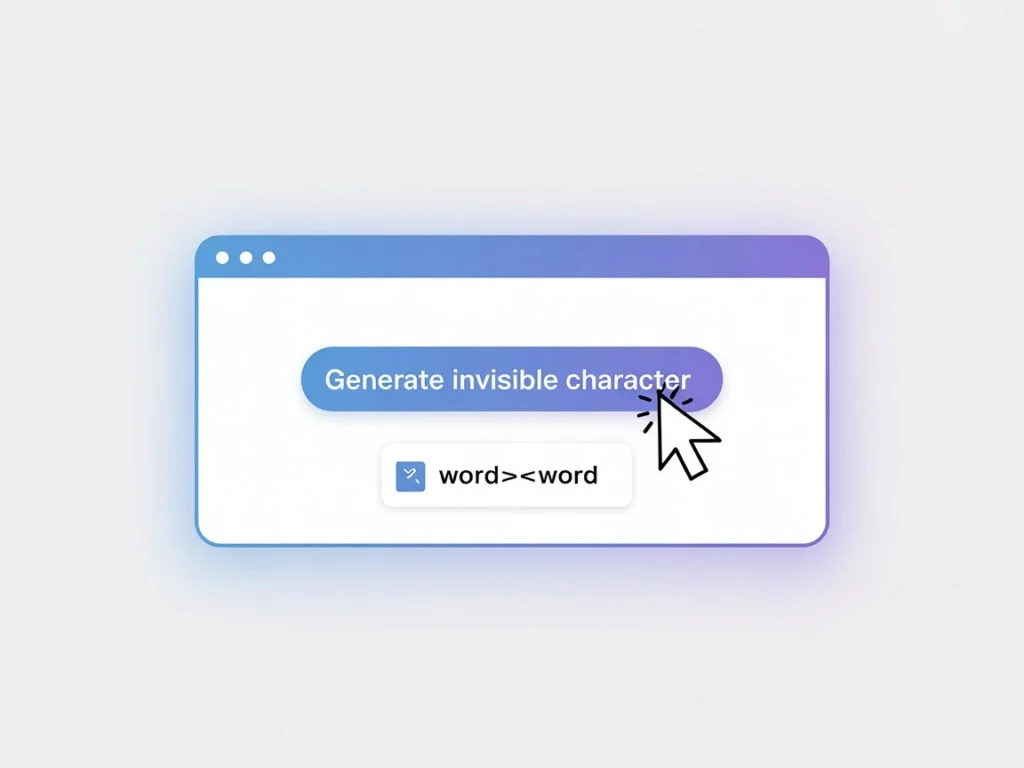
With just one click, you can quickly make a custom invisible character that fits your game’s, writing’s, or project’s needs. The tool makes it easy to add invisible letters across different formats, instantly improving your online presence and creative work. Use invisible text to make spaces in names or words that are different from what you usually do. It’s simple to send messages that aren’t seen. Some apps don’t let you send blank messages, but the tool’s invisible character works on most platforms. You can copy the empty space character from the tool.
Invisible space Instagram
Invisible space characters create mystery in profiles and can be used in usernames and passwords for social apps and games. You can also use these blank spaces on Instagram . If you prefer not to share information, leave form fields blank. Use blank characters in address sections for protection. Blank digits ensure proper text alignment in Arabic, Persian, and Portuguese.

Why use invisible space in Free Fire?
The option to hide your name and password allows you to change your in-game identity without common visibility issues. In Free Fire, using an invisible Unicode symbol in nicknames creates distinct spacing. You can also use it for invisible symbols, blank text, and hidden comments on social media.
How do I add an invisible character in Open Free Fire?
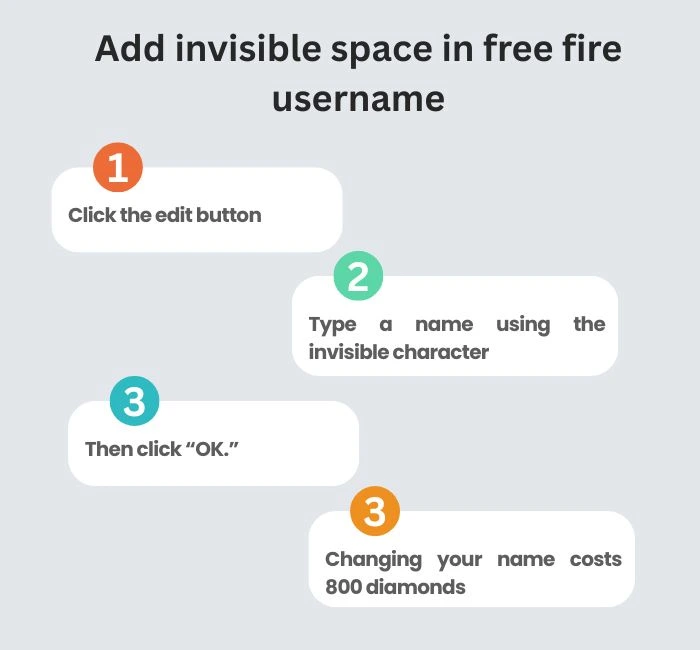
To change your nickname, click the edit button, type a name using the invisible character below, and then click “OK”. Changing your name costs 800 diamonds. Invisible characters also appear in games like Fortnite and PUBG, as well as on many social media sites. You can use them to create stylish or blank messages.
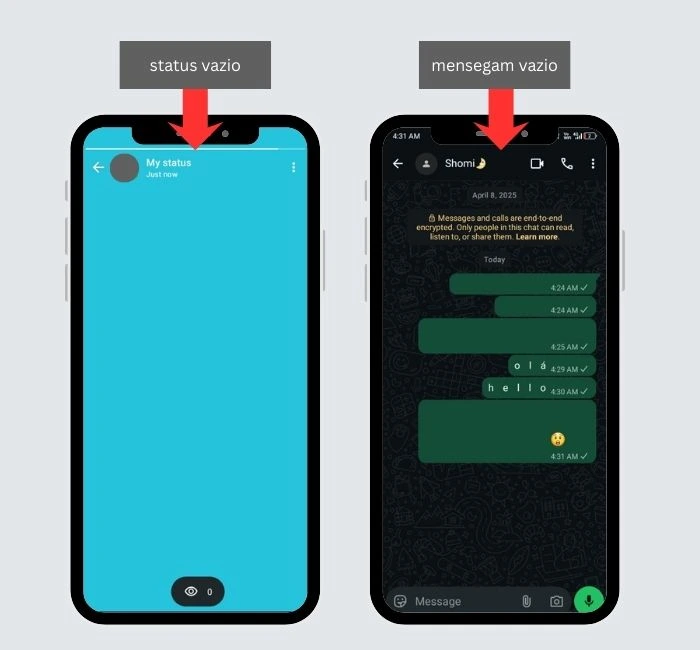
Sending an empty message on WhatsApp
The official WhatsApp does not allow users to send unseen messages, but you can with our expert tool. It is a distinct and distinctive kind of blank character that you can use to send blank messages to your pals, make jokes, and ghost status updates with them.
Messenger
- Use an invisible blank character to make messages look cool.
- Use invisible characters to make unique group names.
- Change the appearance of statuses and replies.
- Send blank or invisible messages in chats.
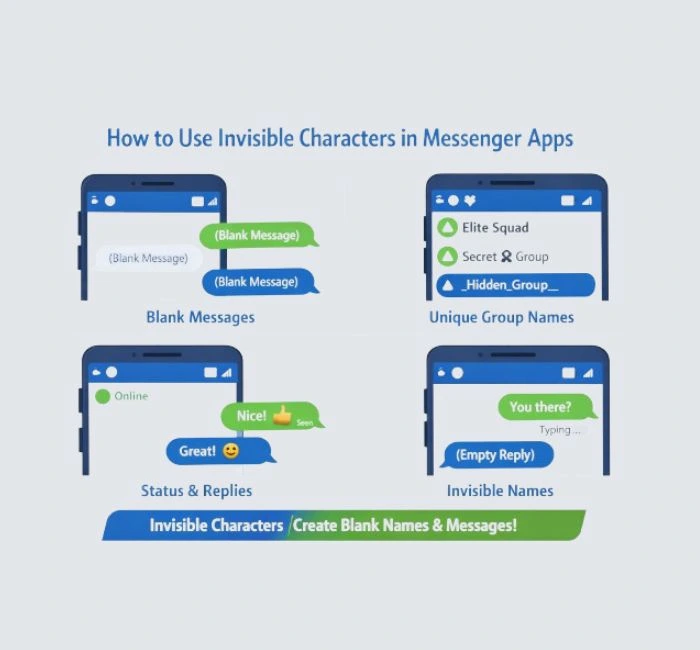
Additional features of invisible text
Our invisible symbols and blank text-generating tools come with the newest, best, and most unique features, such as the ability to create different styles of unseen text and customise options for different platforms.
User-friendly interface
The invisible name generation tools have a professional-looking interface that is simple for everyone to use. You can make blank text in less than a second and move around easily. Users even feel like professionals.
Language support
Our invisible symbol can be used in many languages, such as Portuguese, English, Indonesian, French, Russian, Spanish, Italian, Turkish, German, Vietnamese, Japanese, Arabic, Korean, and Polish.
Nickname Creator with Invisible Space
You can use the visible characters in the space as your username and password after you apply to Asymble. The character generator located above the fold allows you to copy the code from the designated section. You can create an invisible nickname by typing it in before and after the spaces. This syntax works perfectly as an original invisible space for a nickname.
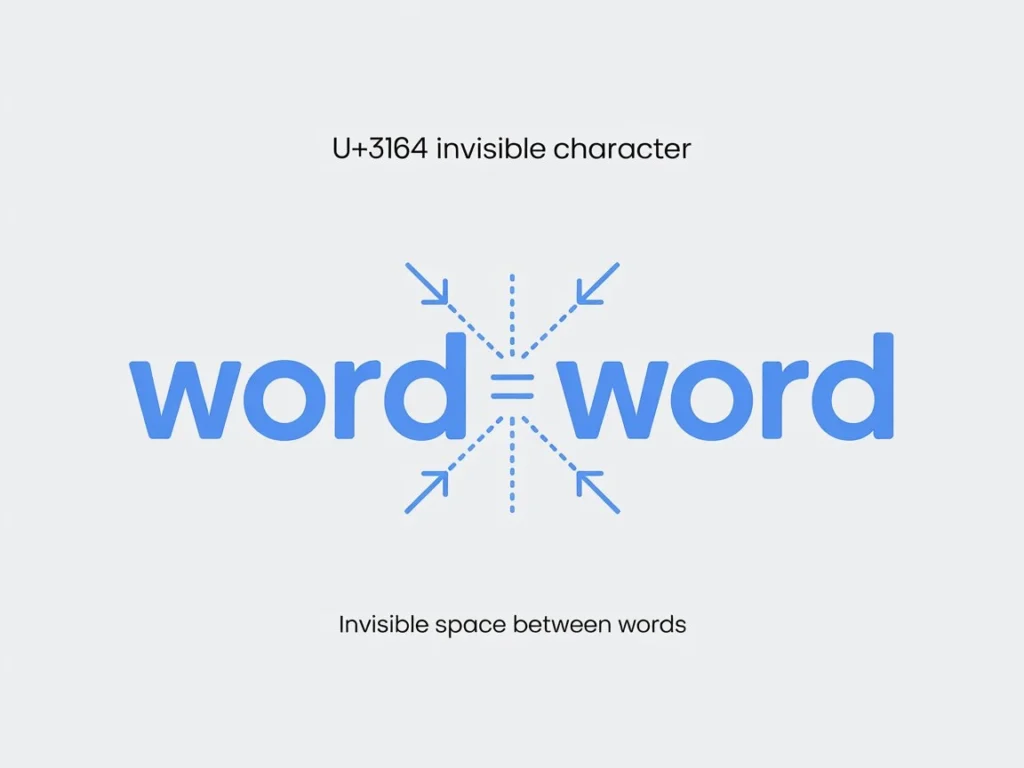
How does the Unicode character U+3164 work?
The Unicode code point U+3164 is an invisible character that functions as a standard letter or keyboard input. When inserted between words, it joins them as a single text element. This feature is useful in systems that do not accept normal spaces, such as programming environments or text editors requiring specific formatting. Copying and pasting this blank character is simple, as many websites and apps provide buttons to make it straightforward.
Frequently Asked Questions
Find answers to the most common questions about our online invisible space generator.
It’s easy to add blank text to your nickname in Free Fire and create unique usernames with an invisible space generator. Please take your time and follow the steps carefully to avoid mistakes or unnecessary in-game expenses. If you play games, use social media, or apps that don’t allow spaces in usernames, invisible text can be useful. These tools make it easy to create blank names, secret messages, and unique formatting. Try them out on your platform to ensure they work and create more creative and personalized profiles.