

How to Add Blank Space on Instagram for Perfect Captions
Do you find it difficult to divide the text into distinct lines and paragraphs or to navigate to the next line on Instagram? You’re not alone; therefore, it’s acceptable to be perplexed. Instagram’s default formatting makes it difficult to create effective line breaks, so you don’t need to bother about it. There is an uncomplicated and effective way to do this: use a blank space to create clear lines and paragraphs in your text. I’ll teach you how to do it.
Instagram is a well-known social media platform where people can share their views and ideas in a creative, visual way through videos, photos, stories, reels, descriptions, and bios. With intriguing information, you may say what you think and how you feel. The site’s structure may seem straightforward, but it can display your posts and comments in different ways depending on features, time, and how users engage with them. Space formatting tools can help you make your text easier to read and present by improving line breaks, paragraph spacing, and overall layout.
Why is blank space important on Instagram?
“Blank space” is the area of a photo or caption with no text, image, or other visible material. Although it can seem like a straightforward component, it can improve the appearance and clarity of material when coupled with invisible text.
Enhance readability
Because of the restricted area and numerous line breaks, a long Instagram caption is challenging to read on a phone. Adding blank space to your paragraphs may improve their appearance and make them easier to read. This technique is especially beneficial if your caption is structured with clear spaces, phrases, and paragraphs, so it looks better on mobile.
Aesthetic Improvement
Adding blank space to your text or caption makes it look more current, professional, and attractive. A clear, well-spaced caption draws people in and makes them want to study your information more closely.
Create emphasis
Using blank space wisely can help draw attention to key parts of your caption and significant ideas. This helps people see important elements and improves your material look overall.
Increase engagement
Adding blank space where appropriate and structuring your information correctly will keep readers interested in your profile and encourage them to spend more time reading your posts and captions.
Understand accessibility limits
There is a separate code for each character, and some screen readers may not be able to see unseen characters. Most people on Instagram can’t see them, but too many invisible characters can make your content harder for people with vision problems to access. So be careful how you use them.
How to move down a line on Instagram
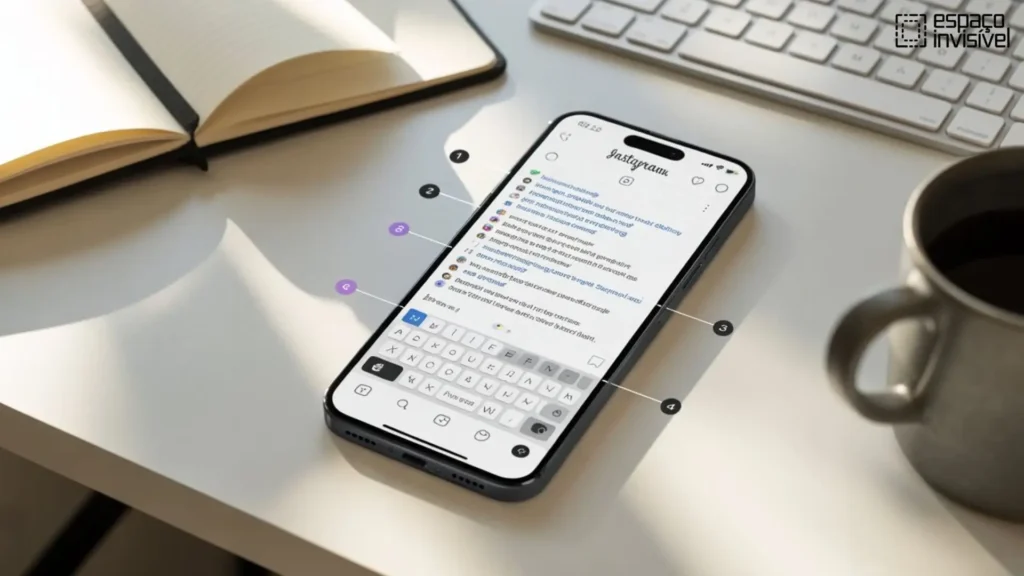
Instagram, a popular social media platform, doesn’t let you structure text in complex ways like HTML, which makes it difficult to break your content into paragraphs. This restriction can make it difficult to format captions effectively and maintain the appropriate spacing between them. However, by using basic text formatting strategies like line breaks, spacing, and information arrangement, you may add space to your content in beneficial ways.
Method 1: Using the return or enter key
Use your keyboard’s Return or Enter key to quickly and easily generate a blank line in your text and move on to the next line.
1. Type your comment or caption
Simply compose your comment or caption like you often do when uploading something to Instagram.
2. Hit the enter or return key
Once your statement is complete, move the pointer to the next line by pressing the Enter or return key.
3. Put up more blank lines
Press the Enter key many times to create additional blank space between paragraphs.
4. Finish and send
Once you are happy with your caption, upload your material.
Note: When you upload directly from the app, Instagram may remove unnecessary blank text. If this occurs, apply appropriate spacing, line breaks, and formatting to maintain your caption structure and make it easier to read.
Method 2: Using a period or special character
If Instagram eliminates blank lines, you can maintain the caption’s layout and spacing by using a special or hidden character.
1. Write your title
When you want a new line to begin, type your Instagram caption and press the return key.
2. Put in a placeholder character
To retain the spacing, put a basic character like a period, underscore, or other symbol on the blank line.
3. Finish your caption
The character acts as a placeholder that helps preserve the line break after posting and keeps your formatting consistent.
After you publish your content, the character remains minimal and helps maintain the intended layout without affecting readability.
Method 3: Using an external text editor
Before sharing your captions on Instagram, you can format them using an external text editor.
1. Launch the text editor you like best
You may manage your work more effectively by using programs like Notepad, Google Docs, or any other text editor.
2. Style your caption
To make your Instagram caption look clean and well-structured, use the return key to add line breaks and spaces.
3. Copy the text that has been formatted
Once you are satisfied with your caption, please copy the entire text along with its formatting.
4. Add to Instagram
Open Instagram and put your prepared caption in the comment or post field.
This solution preserves your formatting, prevents Instagram from removing spaces, and keeps your caption information crisp, tidy, and easy to read.
Method 4: Using special apps or tools
Using third-party applications and tools designed to create well-formatted Instagram captions and speed up your workflow gives you more control over how your text looks.
Instagram caption writer
This tool offers formatting options to maintain line breaks and spacing, keeping your captions neat and professional.
- The Notes app
You can format your text in the Notes app on Android or iPhone before sharing it on Instagram to ensure consistent spacing.
- App space
This tool is made to help you make captions with the right spacing and a clean, professional look.
These applications and tools make it easier and ensure your Instagram captions look exactly how you want them to, while also improving the overall presentation of your content.
Best practices for using blank space on Instagram
Use invisible space only when it improves your captions and makes them easier to read.
- Don’t use it too much.
If you use too many invisible text lines and characters in your caption, it can look amateurish and empty. So, utilize them in a balanced approach.
- Keep your profile clean.
Using blank text in your bios and posts is a great technique to make your captions look neat and interesting and keep your profile organized.
Conclusion
Making a blank space and proceeding to the next line on Instagram is an easy and useful approach to make your posts look better and keep your content structured. Line breaks, invisible characters, external text editors, or caption formatting tools can all help you make your captions easier to read, clearer, and more visually appealing.
Well-formatted captions enhance the authority of your material and make it easier for others to connect with it. Test out these Instagram blank text plans to find which ones work best for you. They can help you create attractive and straightforward-to-read posts.