How to Type an Invisible Letter (Easy Guide)
Have you ever received a blank text from someone and been taken aback, wondering how it could have happened? People employ various strategies to wow their loved ones in this day and age of social media. Invisible letters are one of those tricks that allow you to send blank messages on Facebook, Instagram, WhatsApp, and other social media platforms where sending blank characters isn’t officially permitted.
You can use our Invisible Space tool to complete this task in your spare time as well. Special Unicode letters, such as U+200B Zero Width Space, are also used to add the invisible symbol. Although these Unicode characters are invisible to the human eye, they can be detected by a variety of electronic devices, including servers, computers, and mobile phones.
This post will cover invisible space, its uses, how to create it, and where it can be used.
What Are Invisible Letters?

Other names for invisible letters include special whitespace characters, Unicode hidden characters, and empty spaces. These Unicode characters are present in the text but are invisible to the human eye because they lack a visual shape. These unseen spaces are used for various social media texts, bios, and replies, as well as for sending blank messages and empty comments on Facebook and WhatsApp and for creating distinctive gaming usernames.
These unique characters were developed to assist computers with language rendering, text formatting, and spacing. Every blank character has a different code. We provide a few character types and their codes below. You may make invisible characters using our invisible space generator, and you can use it for various applications depending on your needs.
Common Invisible Letters and Their Unicode Codes
Below are some of the most common invisible Unicode characters, widely used for different purposes.
| Character Name | Unicode |
| Zero-Width Space | U+200B |
| Zero Width Joiner | U+200D |
| Zero Width Non-Joiner | U+200C |
| Non-Breaking Space | U+00A0 |
| Hangul Filler | U+3164 |
How Invisible Characters and Invisible Letters Work in Text
Invisible characters utilize the Unicode system. They are present in the digital text with a distinct code, even though they are not visible. Some Unicode characters are specifically designed for formatting and text management, unlike other letters and numbers that have a visible shape.
Although a blank character seems blank to the human eye when it is pasted into text, a computer may still read it as a legitimate character with a Unicode code point. For instance, characters like Hangul filler and zero-width space show up blank on the screen but are present in your text.
Different Methods to Create Invisible Characters and Letters
We offer you several ways to generate invisible spaces with our invisible text generator tool:
Method 1: Insert Blank Spaces by Copying and Pasting
Our tiny, medium, and large preset buttons are the simplest way to create invisible letters. By copying the invisible spaces to your clipboard, you can use them right away. To paste it, press CTRL+V on a Windows computer or CMD+V on a Mac. Use our “Space Tester Tool” to check if the invisible letter has been duplicated. This tester box will display the total number of characters and their detection status.
Method 2: Generate Unlimited Blank Spaces Instantly
This technique allows you to build an infinite number of unseen areas. All you have to do is input the desired number, and our invisible text tool will produce that many blank spaces. The blank characters are also visible in a live preview. Simply press the “copy” button. This will guarantee that you won’t require a manual keyboard shortcut for copying or pasting; the blank text will copy on its own, and you can use it wherever you choose.
Method 3: Copy Blank Unicode Symbols from the Table
Using the widely available Unicode character table on our website is another easy way to produce invisible writing. You can find several kinds of special and invisible Unicode characters in the table above. Each Unicode character in this table serves a specific purpose. Some are used for text formatting, while others help create usernames, nicknames, hidden spaces, and blank spaces.
Just click the Unicode button in the header to open the table, then use a single click to copy the required empty character. You can use it for fun in hidden text, blank text, or invisible replies after copying.
Why Choose Our Blank Space Tool for Text Formatting and Empty Characters?
Here are a few good reasons to take advantage of our online invisible space generator:
- Even a novice user may create blank characters with ease due to the tool’s user-friendly interface.
- We don’t even charge you a dime to use our tool. It’s totally free. Installation, registration, or subscription is not required.
- As we mentioned earlier, the tool provides you with several ways to create blank spaces.
- This tool provides a “space tester tool” that finds hidden characters and verifies whether the invisible spaces you created with our tool are functional.
- Our tool uses cutting-edge technology to swiftly and effectively generate an infinite number of invisible areas.
- The “Platform Mode Selector,” which sets our product apart from others, is its most significant feature. These include Braille Blank (U+2800) for Roblox, Hangul Filler (U+3164) for Free Fire, and Zero Width Space (U+200B) for universal use across most apps and websites.
Where to Use Blank Spaces in Text, Comments, and Social Media
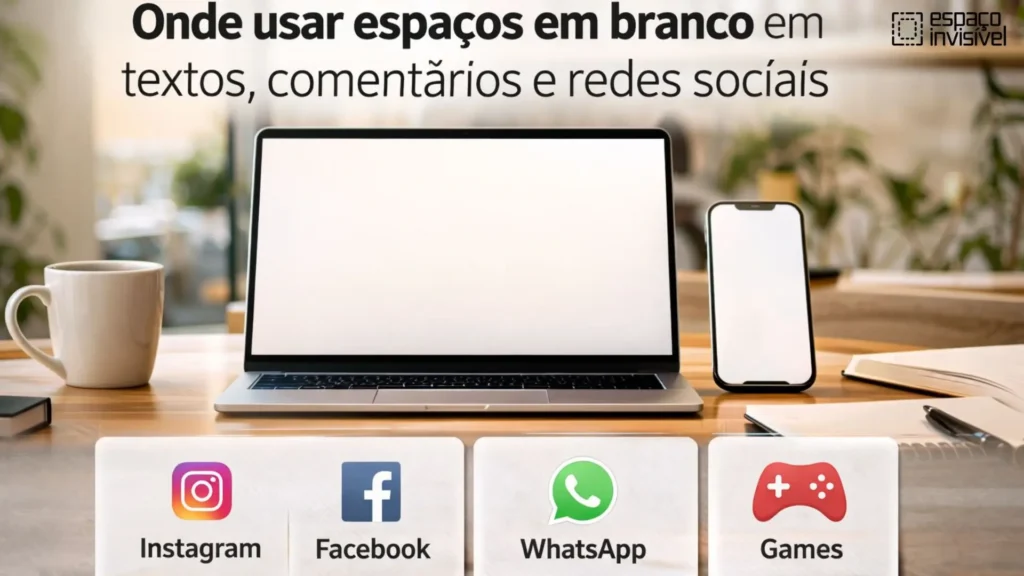
The top social media platforms for replicating the invisible space are listed below:
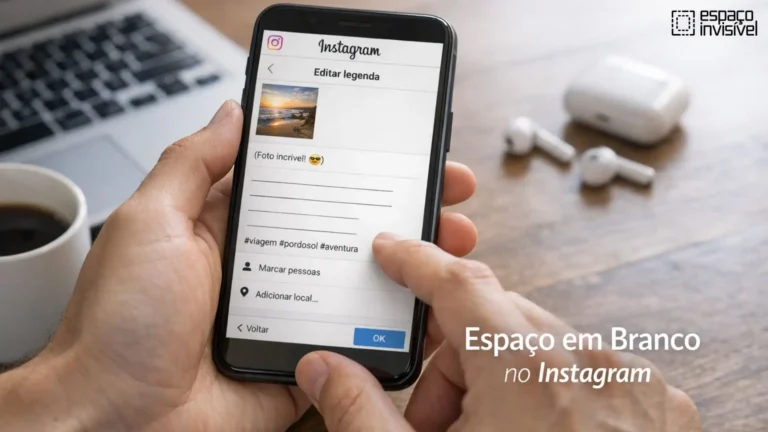
Additionally, you may use our invisible letter to add a sense of mystery to your Instagram captions or bios. Another entertaining hobby is sending pals ghost direct messages, which will surprise them and make them wonder how you did it.
To send an invisible message, first copy it from our website and choose the recipient. Go to chat, fill in the blank, and see how your friend responds. Instagram does not enable you to send blank or empty messages directly, but you can do so by utilizing invisible letters.
Sending empty messages is forbidden per WhatsApp policy. Conversely, you can send invisible symbols in chat by employing unseen characters. Invisible space can also be used to create unique formatting, add extra space, and send a blank WhatsApp status.
The identical procedure that we covered for Instagram also applies to sending blank messages on Facebook. Just click “What’s on your mind?” to share a tale. Put an empty status and a bar above your feeds.
Games
By putting a space between usernames and concealing a portion of your name from other players, you may make your gaming profiles distinctive and conceal your identity. In Free Fire, Roblox, PUBG Mobile, and other online games, players can make their names fashionable and undetectable by utilizing invisible space.
FAQs
How to Type an Invisible Comment?
An invisible letter can be copied and pasted into the comment section. The remark has hidden characters even though it looks blank.
How to Type an Invisible Message on Discord?
To make an empty message, copy and paste a zero-width invisible space character into the Discord chat window. Then, send the message.
How to type an invisible sign on Windows?
You can enter a blank character in Windows, including Windows 11, by typing 255 on the numeric keypad while holding down the Alt key. When needed, you can even copy and paste an invisible Unicode character.
How to Type an Invisible Character on macOS?
To add a non-breaking space on macOS, press Option + Spacebar. If necessary, you can also copy and paste an invisible Unicode character.
Conclusion
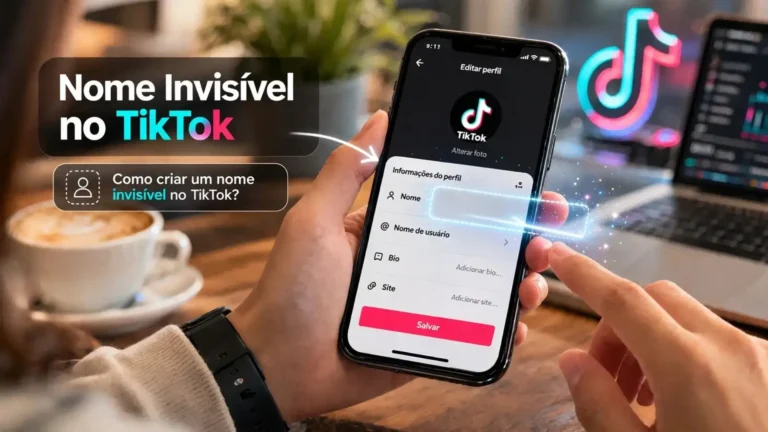
To sum up, learning how to type an invisible letter is an effortless yet effective way to improve your online profile. You may make unique usernames, trendy bios, and tidy formatting for websites, social media, and TikTok by utilizing Unicode spaces, invisible text, and zero-width letters. This simple technique gives your profile or blog a creative twist while also enhancing readability and content structure. To make your content stand out, enhance engagement, and improve SEO performance, start utilizing invisible characters right now.